All you need is a computer and a TV — or a Fire Stick
ChiroTV Network is a web-based platform, so there is nothing complicated to set up. Run it on your waiting room TV with our FREE Fire Stick TV app, or connect a computer to any TV or monitor.
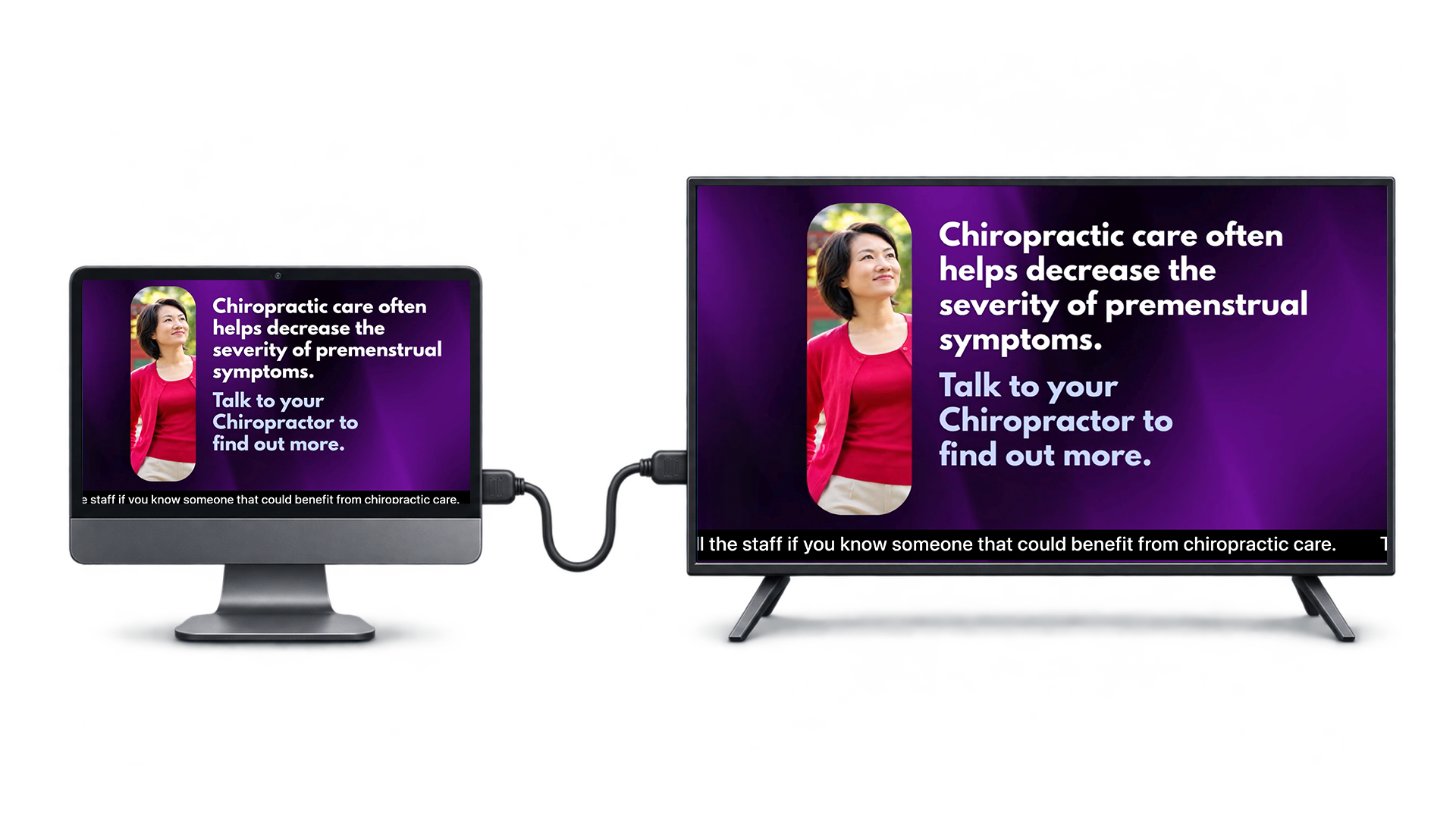
Here is all you need to run ChiroTV Network
Computer (PC or laptop) or Fire Stick
A computer with internet access, or use our FREE Fire Stick TV app instead. You can also purchase the Mini Computer option for $149.00.
Flat-screen TV
Any flat-screen TV or monitor for your reception area. A Fire Stick plugs right into its HDMI port.
HDMI cable
To connect the computer to the TV. Not needed if you use the Fire Stick app or purchase the Mini Computer option from us.
Our FREE Fire Stick TV app
Get the app right on your Fire Stick and run ChiroTV Network on your TV — no computer needed.
Prefer plug and play? Get the Mini Computer — $149
Plugs directly into the back of your TV with no wires to run, has built-in wireless, and comes with a wireless keyboard/mouse combo. We set it up so it’s ready to go.
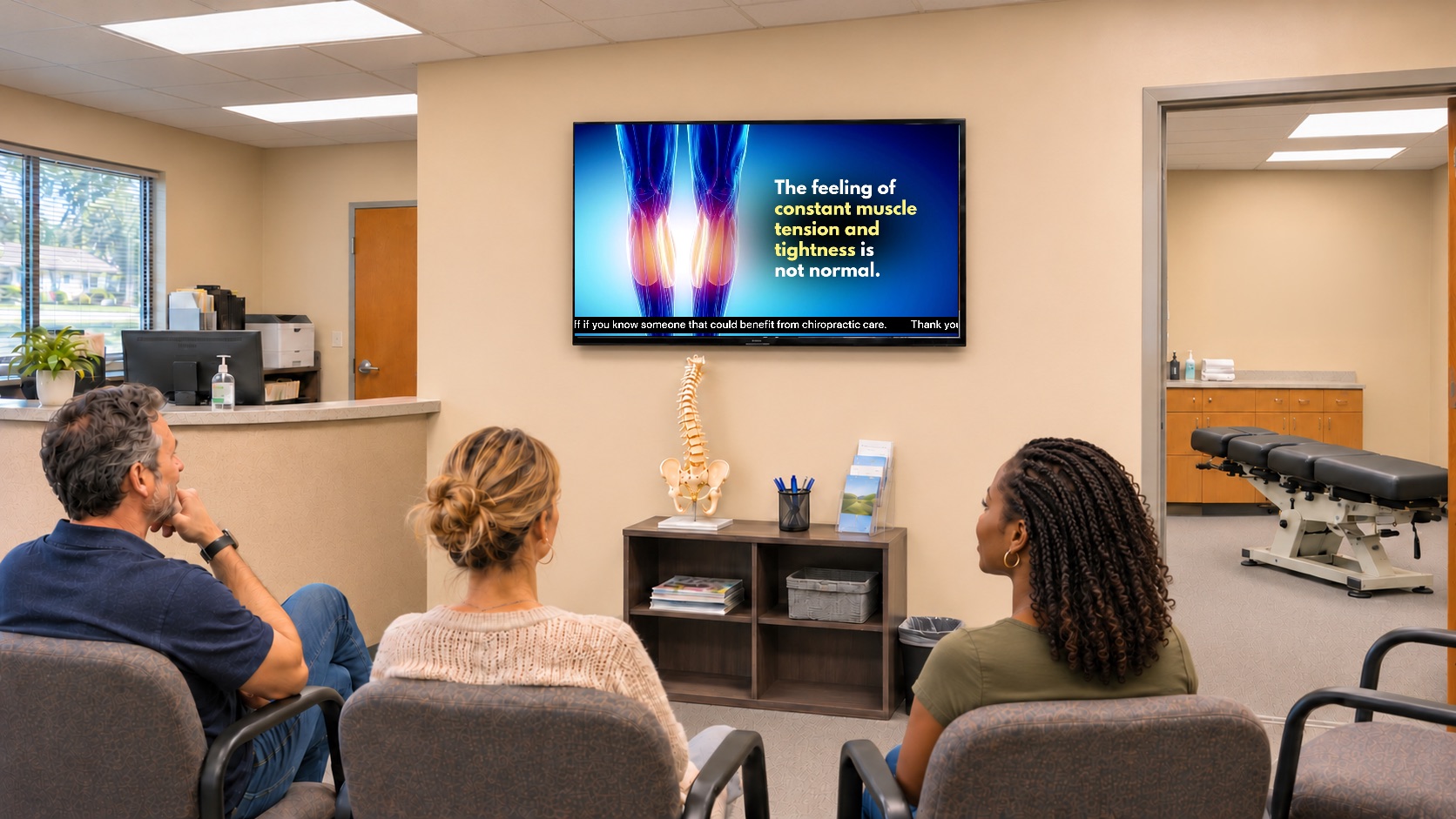
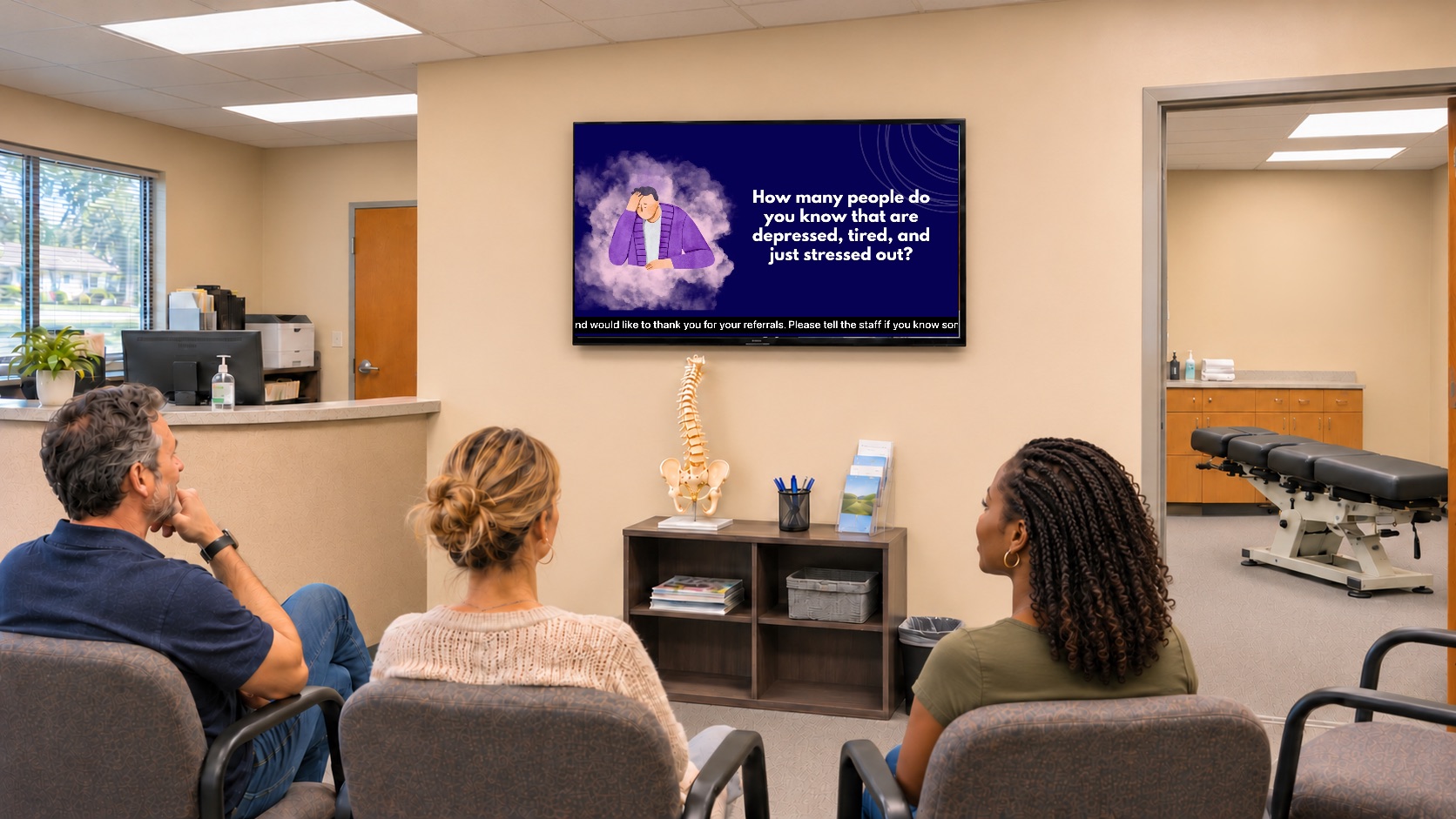
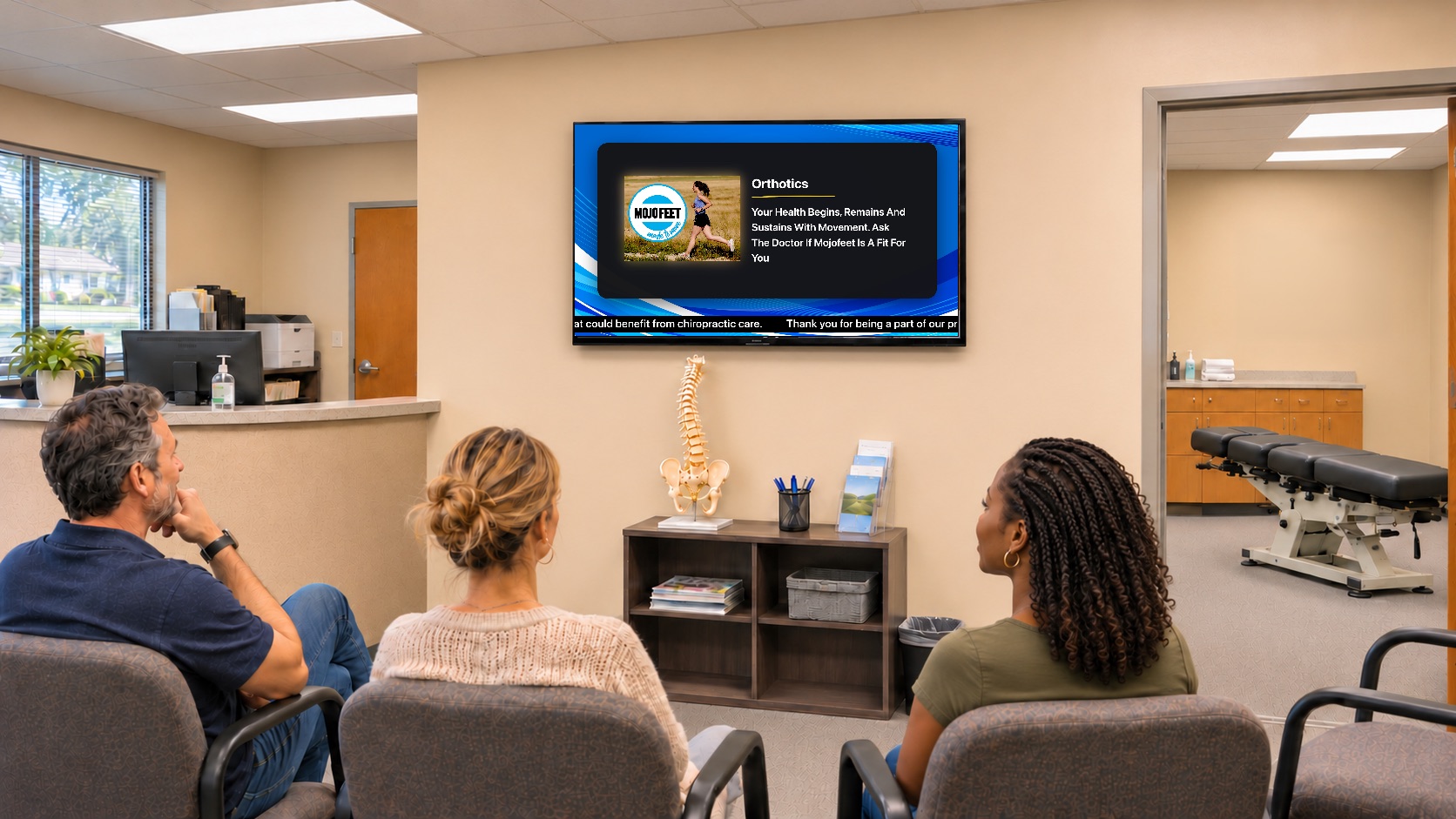
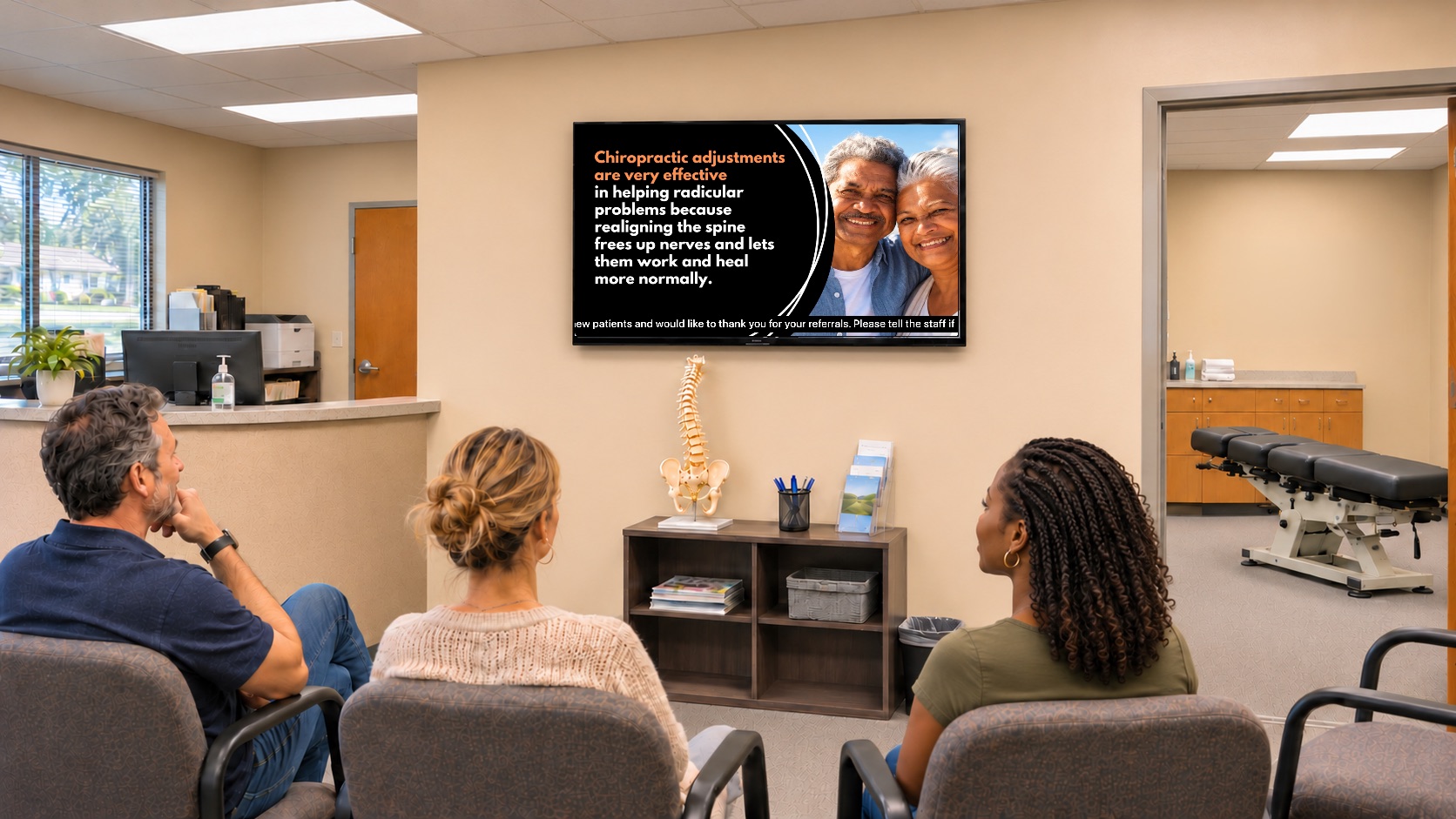
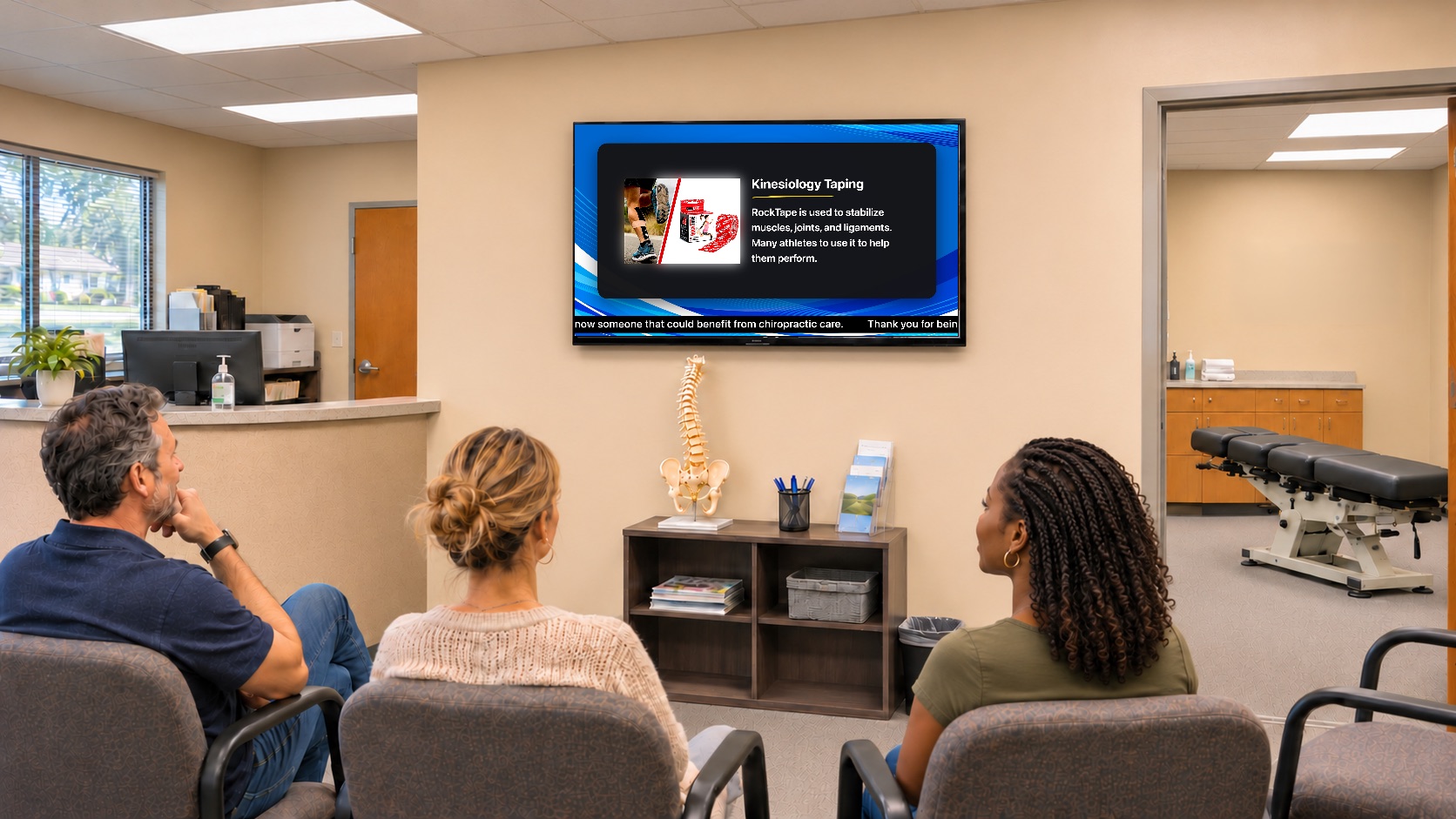
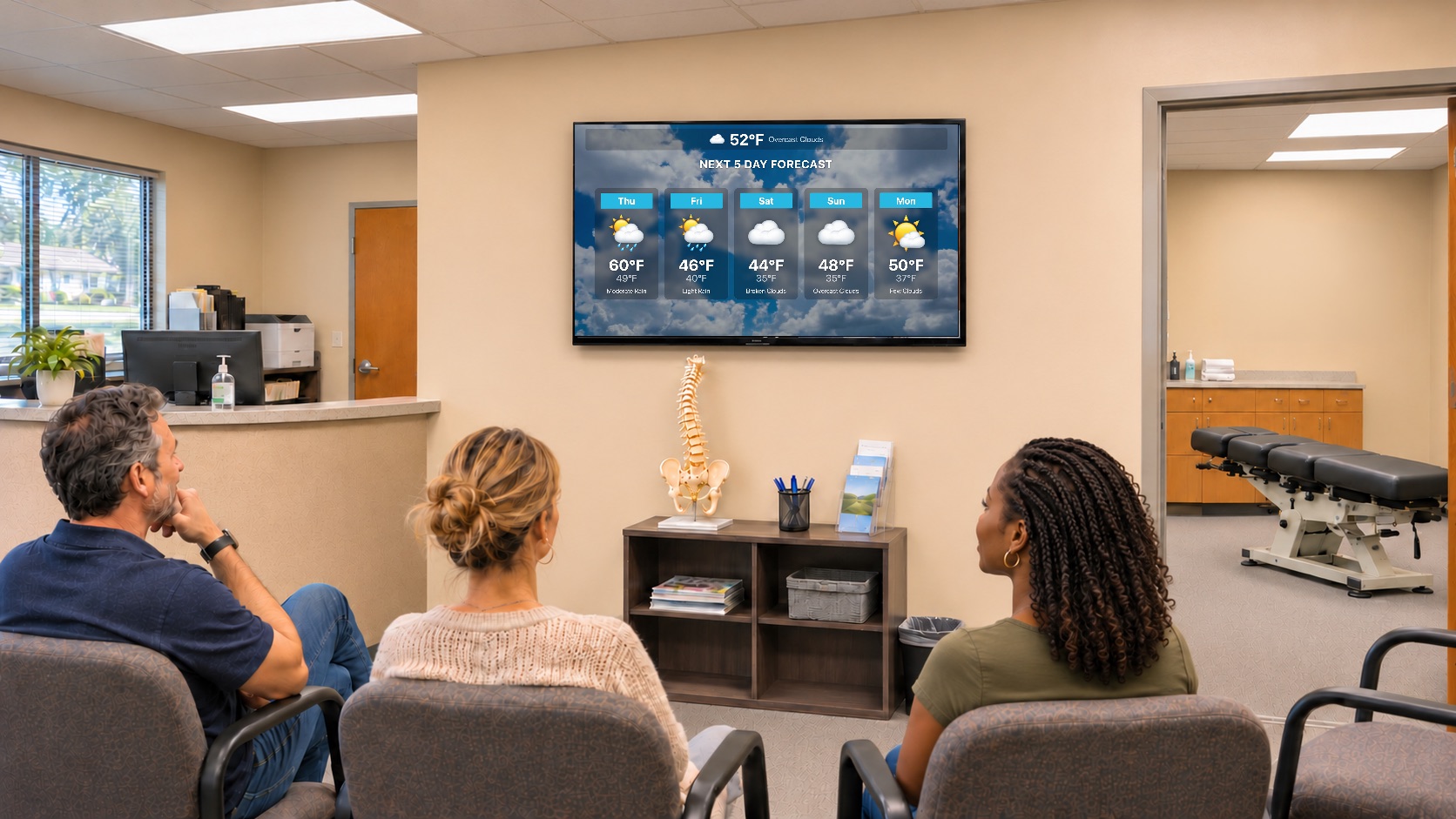
Easy-to-use! Running in your office in just minutes!
ChiroTV Network is a website/TV channel for your chiropractic reception area TV. It is specifically designed to educate, entertain, and encourage your patients to refer their friends and family and to comply with their care plan.
The content and theme automatically change every week so you don’t have to do any work if you don’t want to. We do it all! Once you become a subscriber, you can easily modify and customize your screen with just a couple clicks.
You can personalize it by…
- Adding your own custom slides and backgrounds
- Photo Ad feature to create your own custom ads
- Customizing the scrolling ticker with your promos
- Importing YouTube videos of your choice
- Displaying your local weather forecast
- Choosing your own background music
- Having your LOGO displayed on your screen at all times
Questions, answered
Everything you need to know before you start your free trial.
The easiest way: plug a Fire Stick into your TV and use our FREE Fire Stick TV app. You can also use a Windows computer with internet access connected to a TV monitor, or our Mini Wireless Computer that connects to the back of your TV with no wiring. Call 888-480-1350 for details on the mini computer.
We recommend 4–6 GB of RAM and a dual-core processor. Any hard drive size works. ChiroTV Network works on Windows 10 and Windows 11.
$39.95 per month, with a free 30-day trial to check it out and set up your hardware. No setup fees and no long-term contracts — if you’re ever unhappy, give 30 days’ notice and you’re unsubscribed.
Yes. Display on as many monitors and TVs as you want at one office location (IP address), and open it on as many computers as you wish under the same IP address. For an additional location, subscribe again and open another account.
Yes, but it needs an extra HDMI output to go to the TV so two programs can run on two monitors. Laptops usually have it; desktops can add a USB-to-HDMI external video card for about $40–$50.
Yes — our Fire Stick TV app is FREE. Get it right on your Fire Stick, plugged into your TV, and you can run ChiroTV Network without a computer.
Some subscribers run ChiroTV Network on Apple/Mac — we recommend Google Chrome. Apart from our Fire Stick TV app, we do not support Smart TVs or other media boxes for running the service, but any Smart TV works fine as the display.
Use an HDMI cable, which carries both video and audio. We don’t recommend adapters or converters — they usually mess up resolution. To drive several TVs from one computer, use a 2-, 4-, or 8-port splitter box.
Yes — background music plus any YouTube videos with sound you add. Many subscribers play it totally silent. The choice is yours.
Give your waiting room a reason to look up
Join the practices that turned their TVs into their hardest-working team member. Start your free 30-day trial today — no contracts, no setup fees.